Preview the app on their website - https://tivimate.com/
If you have purchased 1 lifetime license (activates on 5 devices) with Tivimate, send us the receipt and we'll credit your subscription with a month's (1) service
Pros:
Has a free version available, most advanced, easy to use, smooth and modern graphics interface for big-screen Android devices
Cons:
Free version does not support VOD, does not have a mobile-device app available (meant only for big-screen devices)
NOTICE: to install the player app, your device must be able to side-load applications. If you have not yet prepared your device for this, you may follow our guide for it here - https://junglescout.media/portal/knowledgebase/4/Preparing-your-device.html
Downloader short-code: 272483
OR using full URL available: https://aftv.news/272483
OR install through your Google Play account: https://play.google.com/store/apps/details?id=ar.tvplayer.tv
Setup your playlist in Tivimate after installing
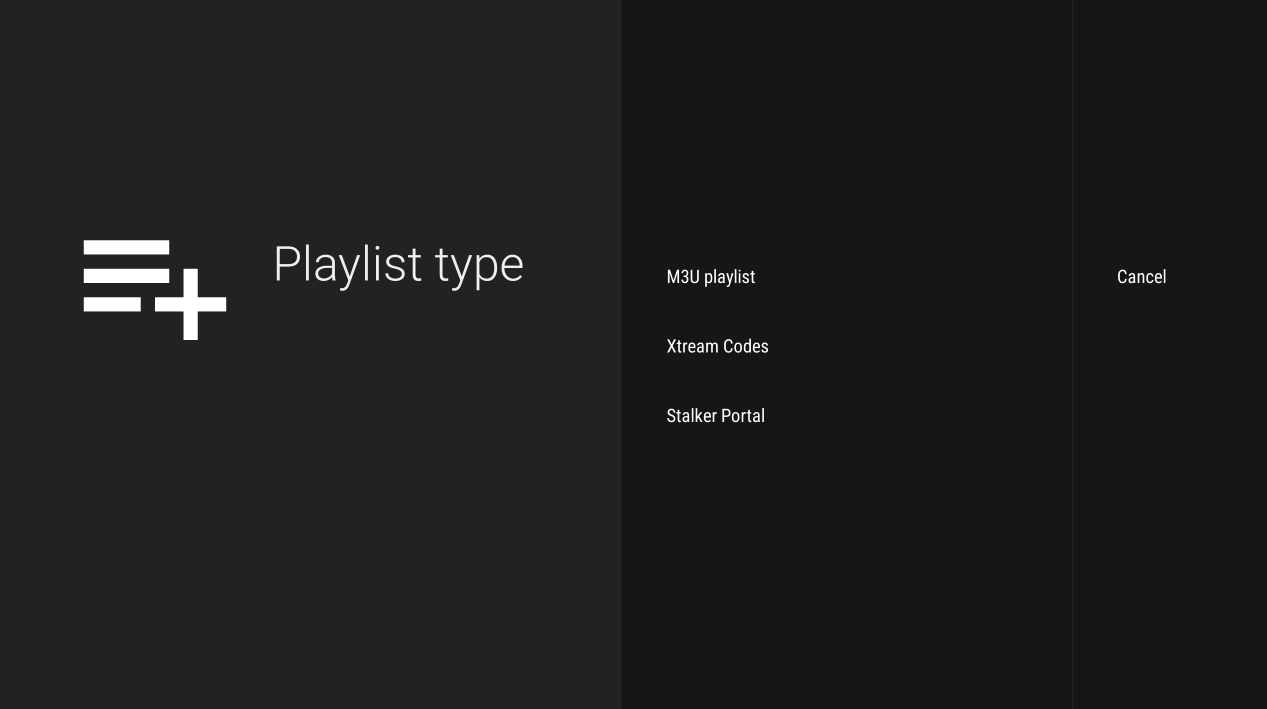
1. Open the Tivimate after installing, select ADD PLAYLIST - we recommend connecting with the 'Xtream Codes'
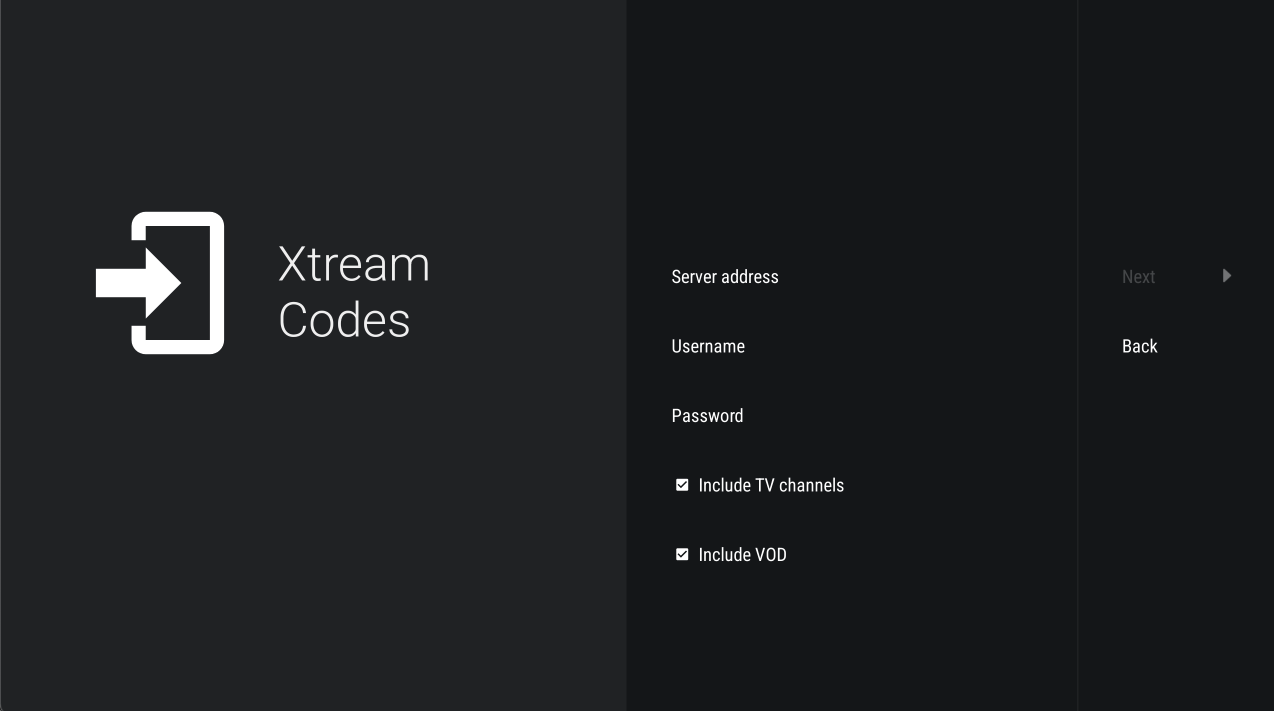
2. Enter Xtream Codes details, this will have been provided to you in your welcome email and can also be found displayed under your active subscriptions section of your client and billing account - here
Server address - enter your assigned primary OR secondary server URL
Username - enter your assigned username
Password - enter your assigned password
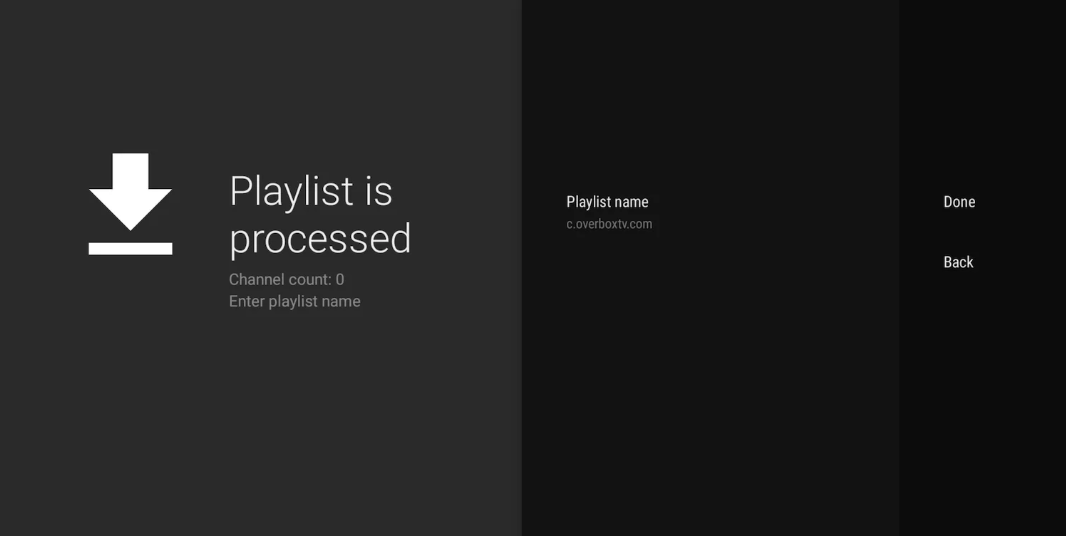
3. Choose a name for your playlist, this can remain default as populated by Tivimate or you may enter your a name of your choice to uniquely identify your playlist from other providers